
The world of Cybersecurity is large and can be overwhelming leaving you unsure of where to start. If you are interested in Cybersecurity and want to learn, TryHackMe has created a perfect jumping off point. The Pre-Security path provides a fantastic overview of the foundational components of IT, Networking, The Web, Linux, and Windows. Follow along with me as we work through the rooms, answer questions, and have some fun along the way!
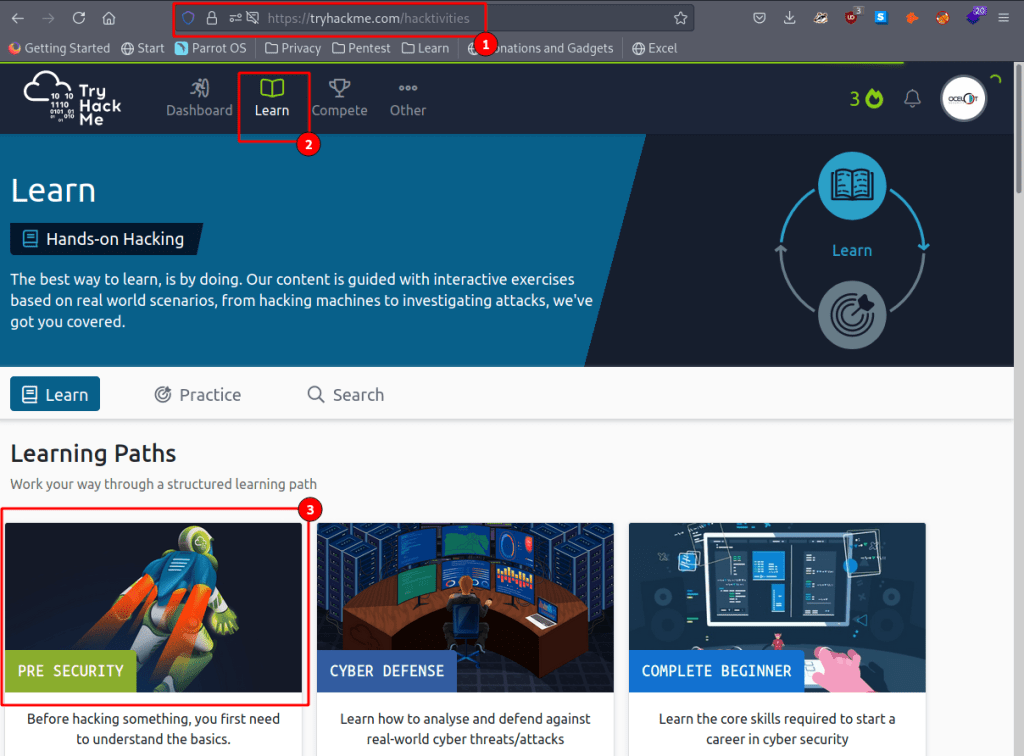
First create a free account at TryHackMe and then navigate over to the Learn tab. Once there you will see several different learning paths, each with something different to offer. Like our title says lets go to the Pre-Security Path here.

Here you can see the different categories that are covered in the path. You can also track your progress towards a printable certificate, and even earn some badges along the way!
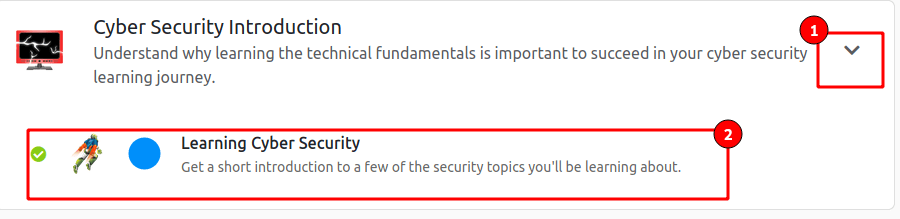
Lets get started!

Here we have an overview of our first room. Take some time to get acquainted with the interface, it will remain the same throughout all rooms!
- Here you can start your attack box (Don’t worry about that for now), get some help (maybe even find this write-up here), and set your options.
- This is your progress tracker bar.
- Here your tasks will be listed out, pay close attention and follow any links that are provided.
- This will launch our BookFace inside of the same browser.
- Submit your answers by clicking the button when done.
- If you ever get stuck there is no shame in clicking the Hint box, its actually encouraged!
- Get started on your first challenge by reading the instructions and clicking next.
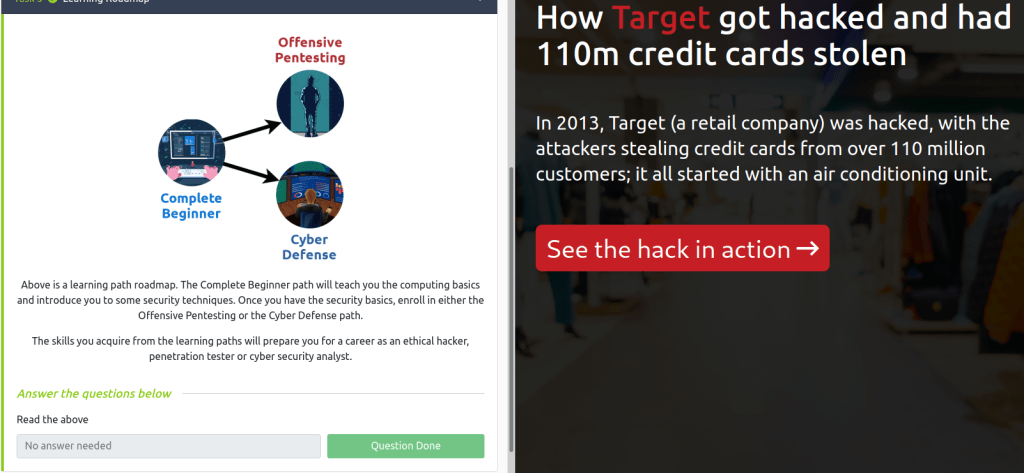
Next up we have an overview of networking!
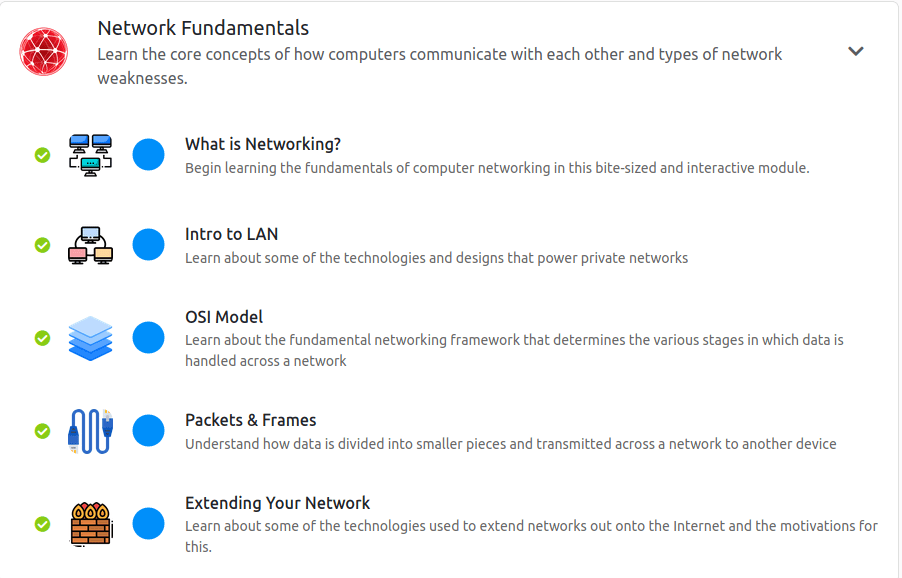
Start From the top and lets work our way down
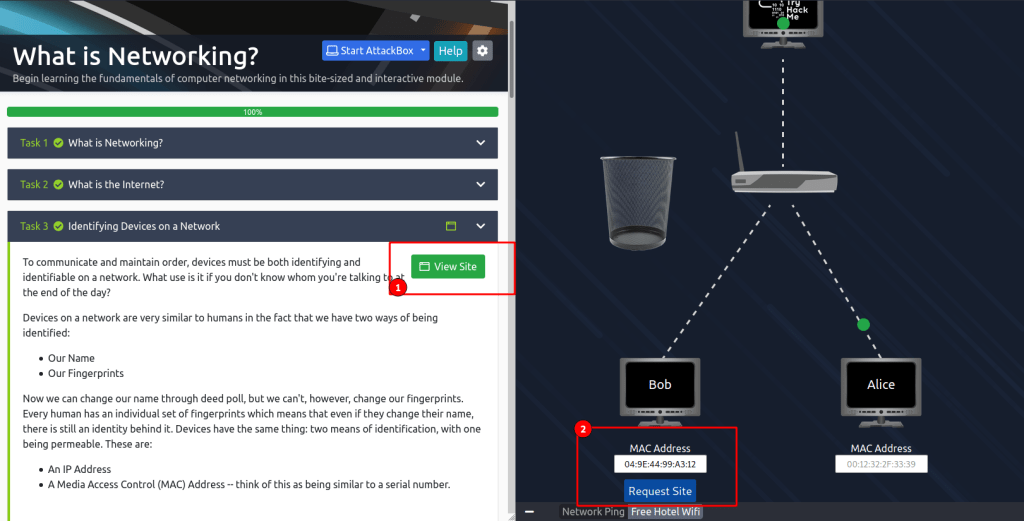
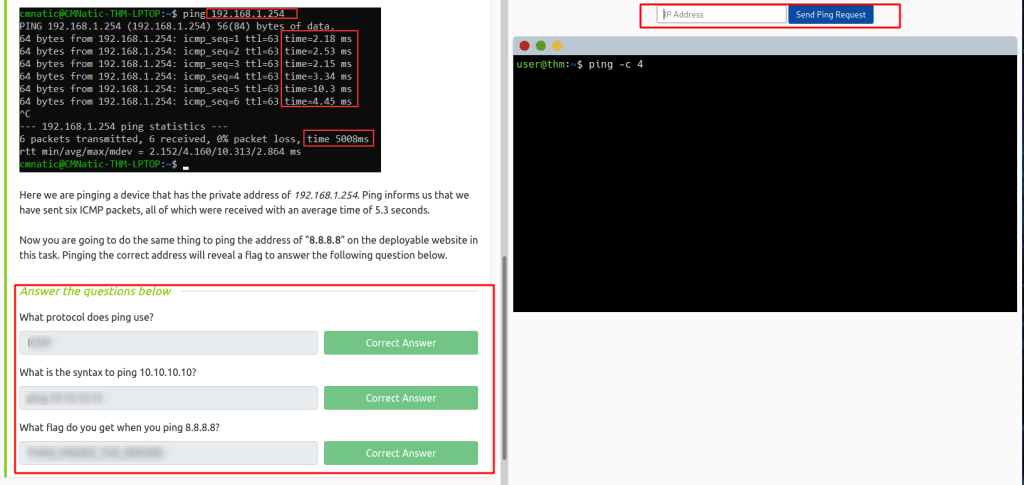

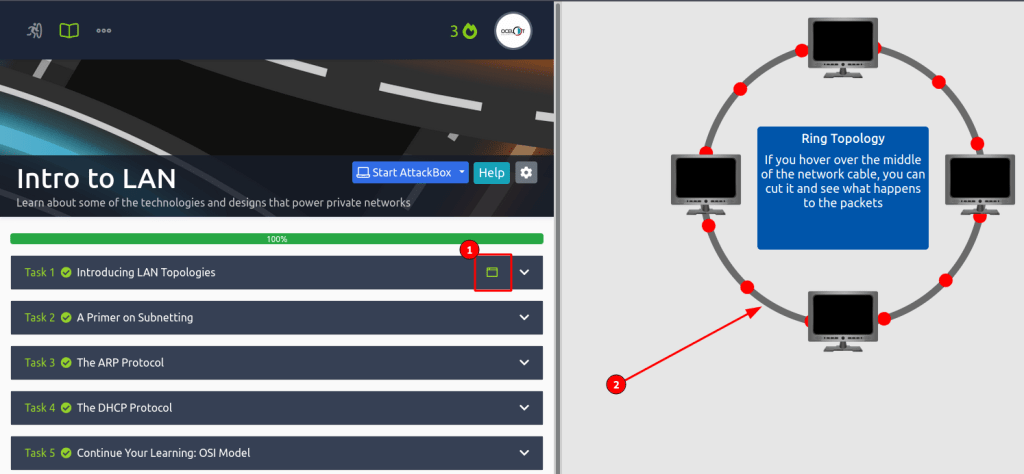
Make sure to read all of the information and take notes! If you ever get stuck there is a great official THM Discord where people are always around to help. Be on the lookout for that little green box (1), it means that you can interact with something in that section! What do you think would happen if we took a pair of scissors to #2?
On to the OSI model!
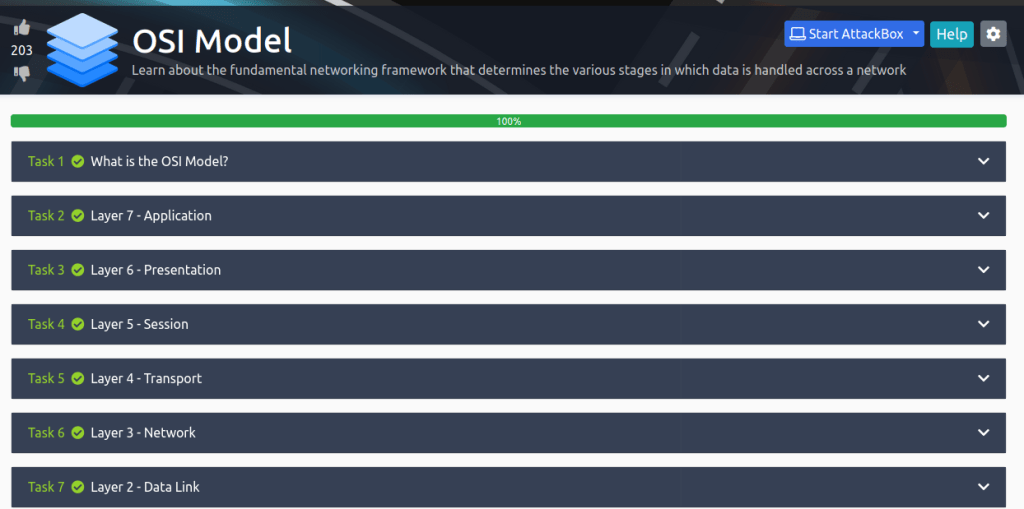
Here is some super critical information you can take with you wherever your IT career may go. Understanding the OSI model will help you understand how most things in this field work and can even help you troubleshoot problems. REMEMBER: Please Dont Throw Sausage Pizza Away! OR play the OSI dungeon game here and see how fast you can get!
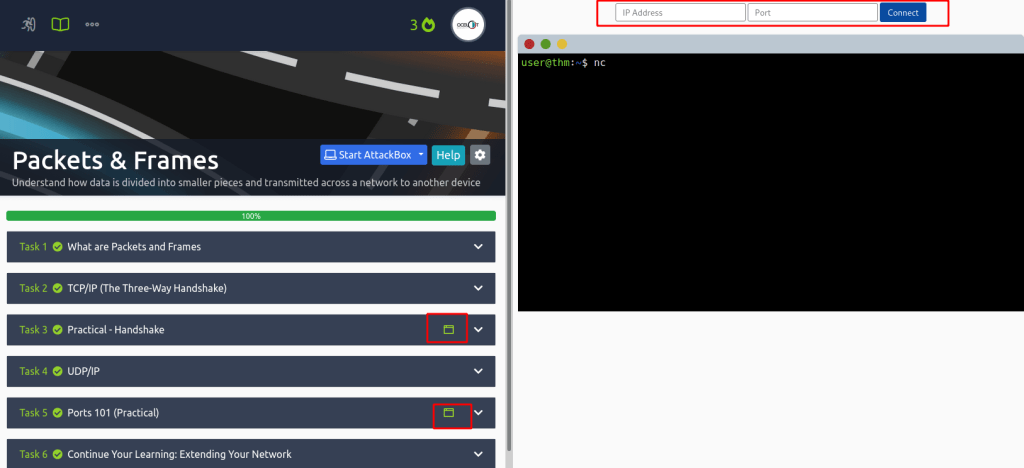
Next up, Packets and Frames! This is going to dive deeper into Layers 2 and 3 so we can see how that information is traveling. Remember Layer 2 is for ports and Layer 3 is for IP addresses!
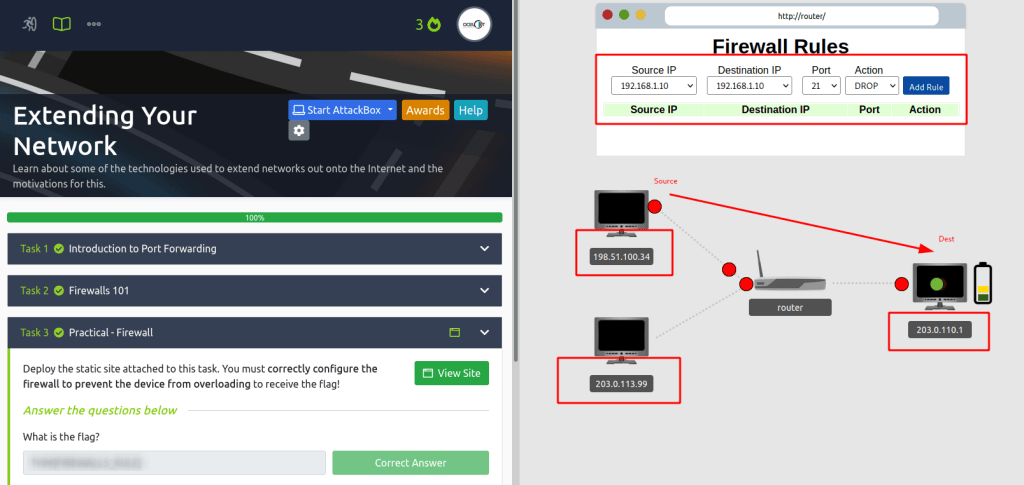
Here we are getting into some nitty gritty networking rules! If you get stuck just think, what is my source? Is it legit or a hacker? What is my destination? Do I want to allow or Deny a hackers IP?
NICE JOB! If you made it this far you have finished the Networking portion. Take a break, get some coffee or ice cream. When you are rested get ready because its time to tackle some WEB.
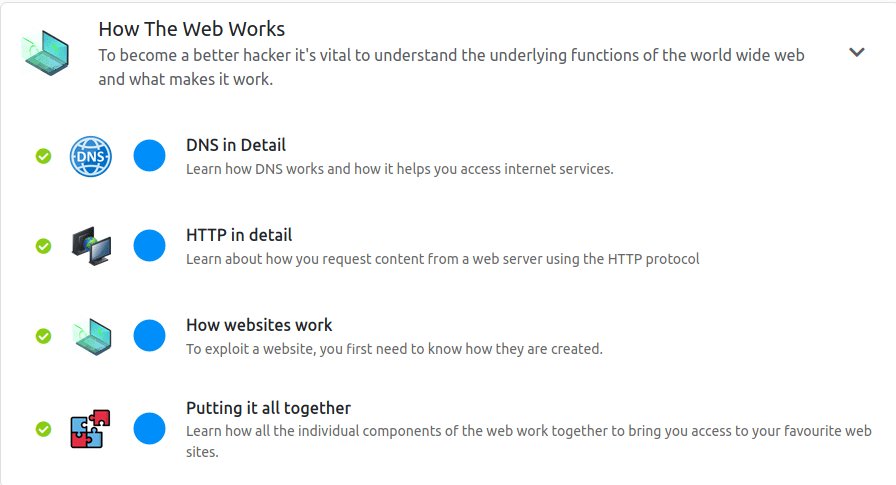
I am not going to go into much detail here because it follows the same formula as our networking portion. I recommend to read at your own pace, take notes, and do your best to really understand the information here.
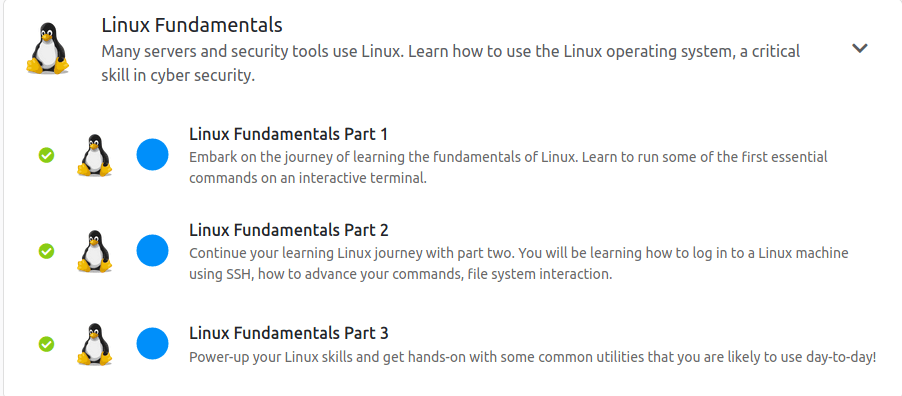
All set with the web? Time to kick it up a notch. Linux can be intimidating for new users but following the labs will boost your confidence if you find yourself in a terminal.
A new concept that is introduced here is SSH and OpenVPN. The first machine you will access in your browser however I find it much faster if I can hop on THM’s network and SSH in (if the box lets me). The best way to do this is to download your openvpn file from THM and connect to their network.
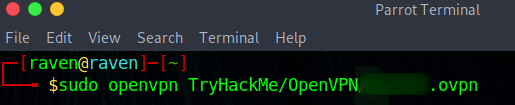
Once I download the .ovpn file I create some directories. My recommendation to help you keep track is to create a TryHackMe directory with the mkdir command you just learned. Then cd TryHackMe and create a directory for each room you do!

This is all assuming you have Linux running as your host, or you are on a Virtual Machine like me. VM-Ware and Virtual Box are two great resources that allow you to run any Operating System you can find. That is a little out of the scope for this lab, however by the end of this you should have learned the things you need to make this happen!

Okay with that out of the way lets connect to the machine! Start the machine and be sure to give it at least 5 minutes to warm up.
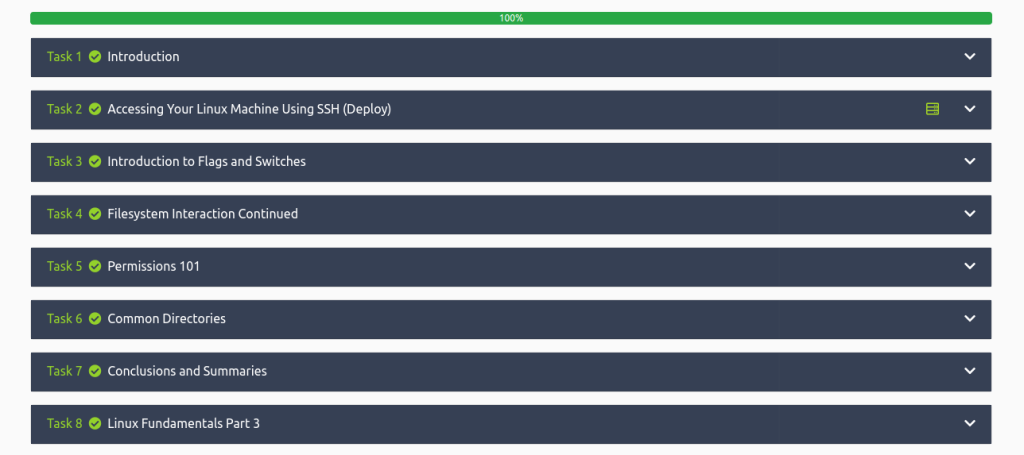
SSH is an important protocol to understand as it is one of the most secure ways you can remotely connect to a network. It also happens to be the coolest and blows my mind anytime I use it.

You made it! Take another break and get ready for some Windows!
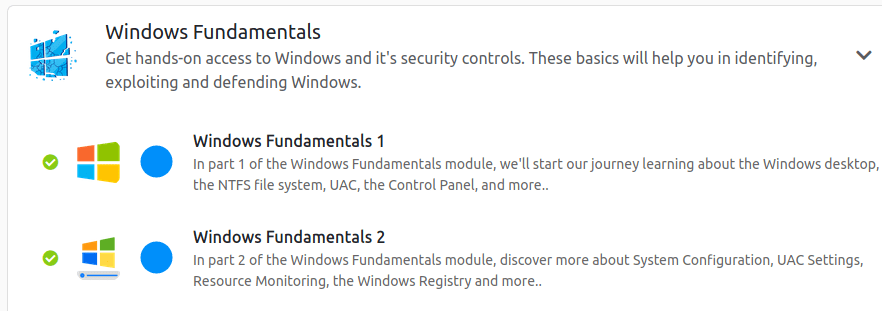
I found these rooms to be a little challenging. I am not sure if I was just misunderstanding the question that was being asked or if it was meant to be not obvious.
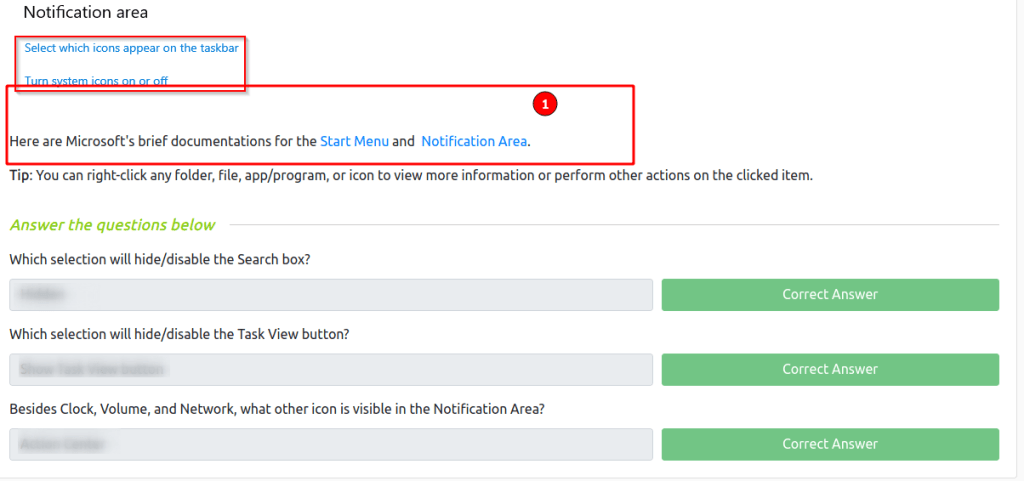
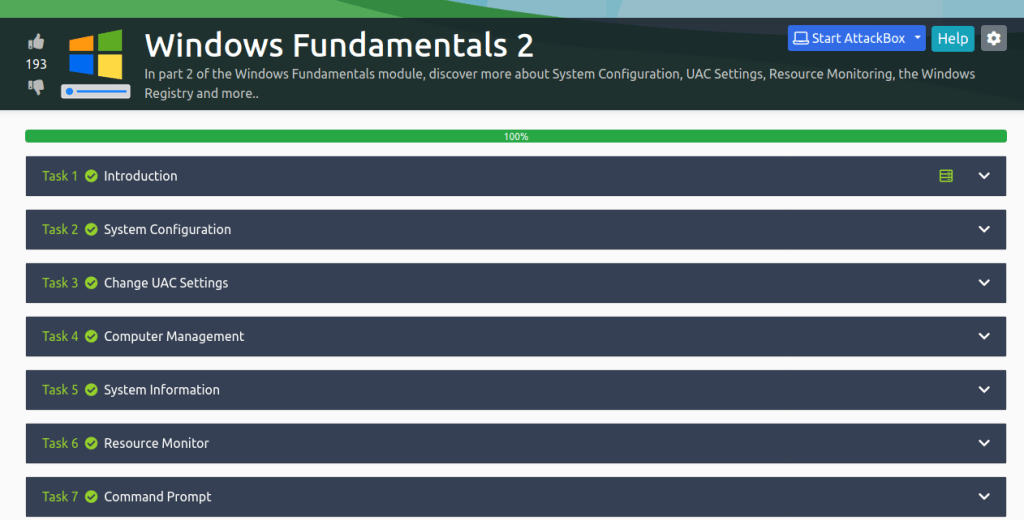
The second portion is really fun and has you looking into how the programs are really executed. If you get stuck remember Google is your friend!
WOOOHOOO! You made it nice job! Remember to print out your cert and show your fiends, family, neighbor, dog and cat! But seriously if you made it this far I recommend you continue onto the beginner path. There is so much to learn but having this foundation will help in immeasurable amounts!
 Ocelot Security